Learn Practical Skills.
Build a Better Career.
Industry-relevant computer, accounting, Excel, video-editing and graphic-design courses with practical classroom training in Indore.
Popular Courses
Choose a course. Start building real skills.
Beginner-friendly, practical courses — designed for students, working professionals and business owners.
Basic Computer Course
Start from zero — Windows, MS Office, Internet, Email and everyday digital skills for school, work and business.
Tally with GST
Learn business accounting, invoicing and GST in TallyPrime — the software used by lakhs of Indian businesses.
Advanced Excel
Master Excel — formulas, PivotTables, dashboards and Power Query — for MIS, reporting and data-heavy office roles.
Video Editing
Edit reels, YouTube videos and promos using Premiere Pro, CapCut and DaVinci Resolve.
Graphic Designing
Design logos, posters, social-media creatives and print work in Photoshop, Illustrator, CorelDRAW and Canva.
Why Choose Us
A learning approach that focuses on real skills
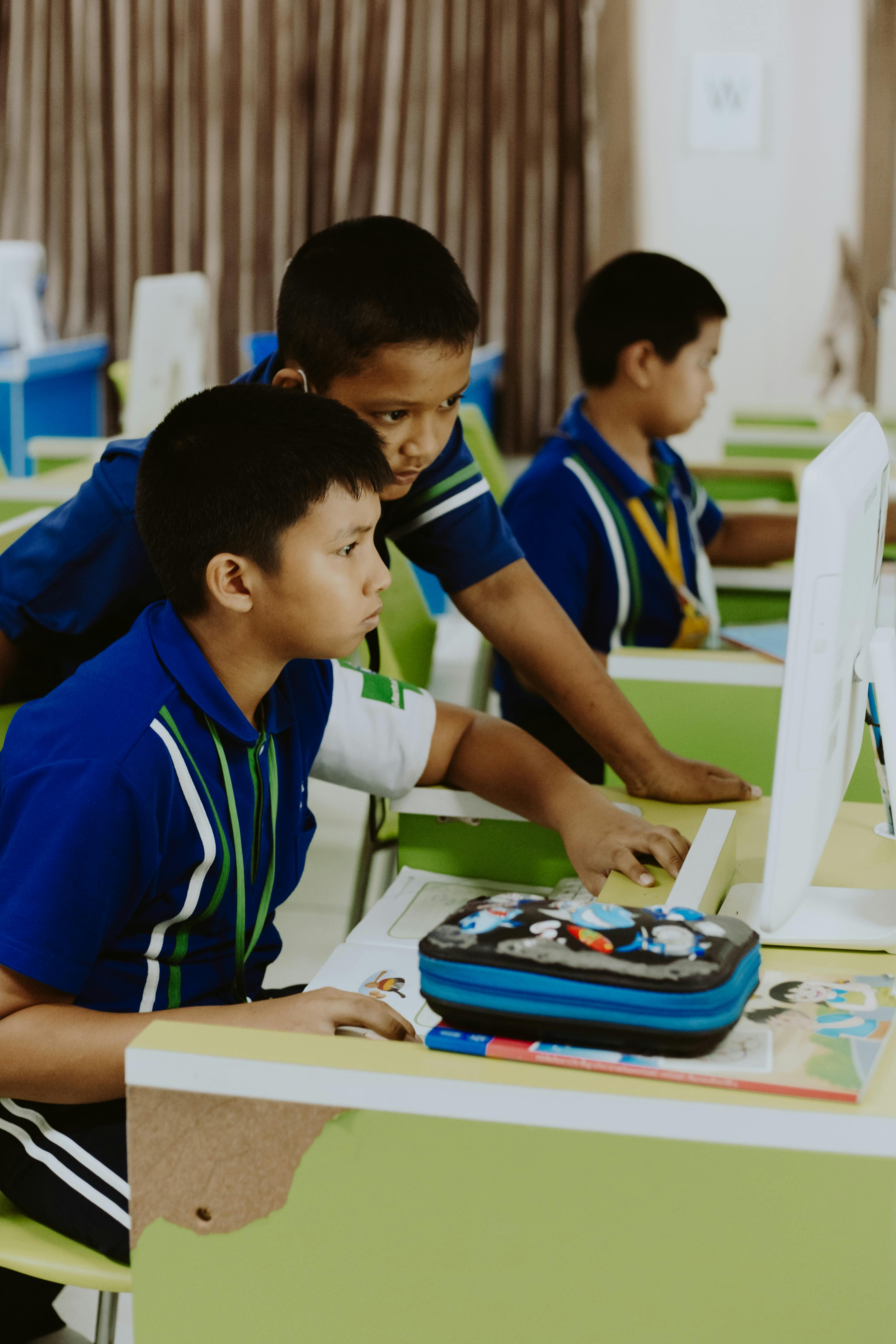
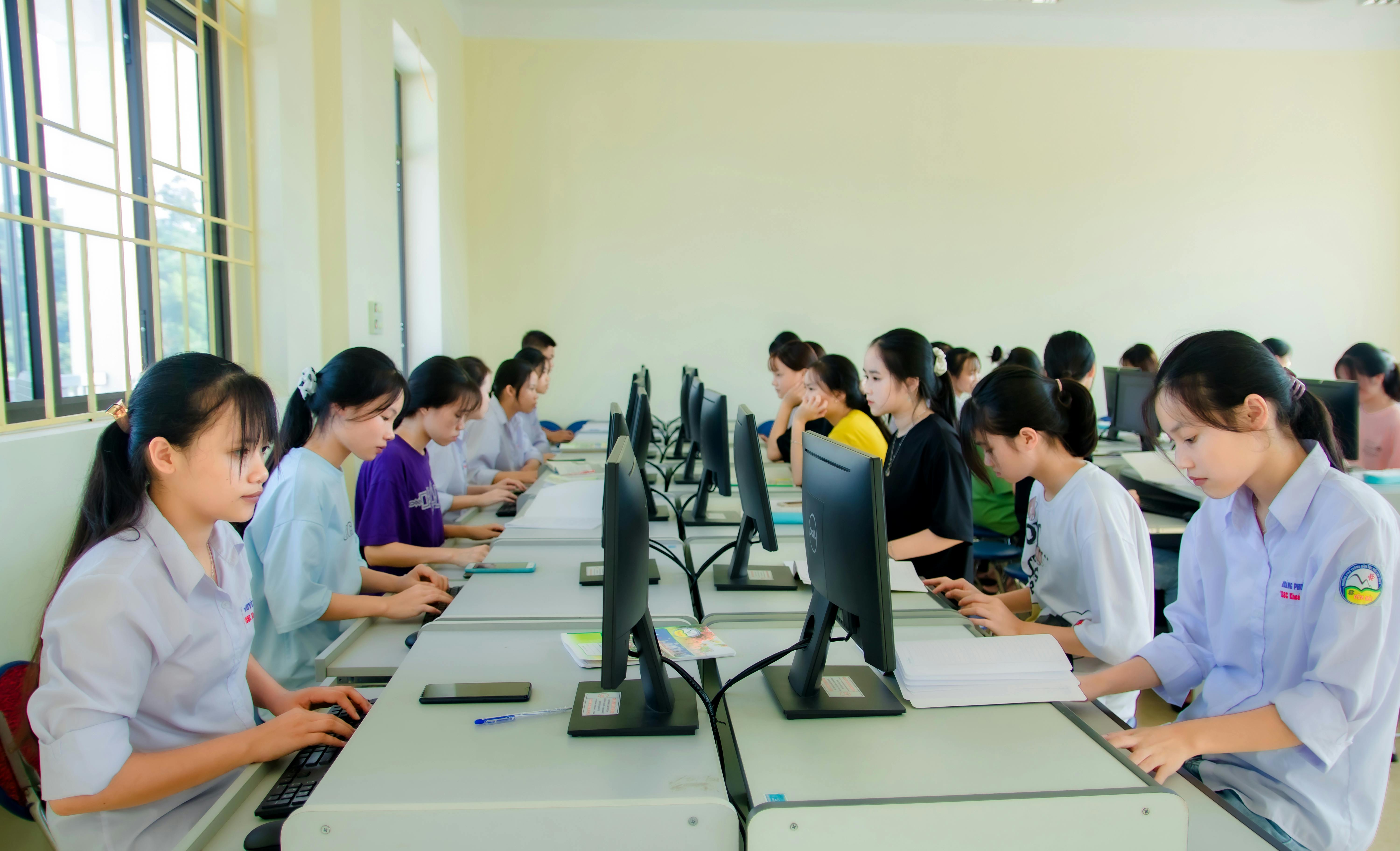
Practical, computer-based learning
Every concept is practised on a computer, not just explained on a board.
Step-by-step guidance
Trainers move at a pace that beginners can follow comfortably.
Beginner-friendly teaching
No prior computer background required for most courses.
Hands-on assignments
Assignments after each topic to build real skills.
Real-world practice exercises
Tasks modelled on office, business and freelance work.
Small and focused batches
Individual attention during practical sessions.
Flexible batch timings
Morning, afternoon and evening batches subject to availability.
Doubt-solving support
Ask questions in class and during practice sessions.
Career and skill guidance
Direction on next steps after completing a course.
Updated course content
Course material reviewed to stay relevant to current tools.
Practical Learning Process
Learn → Practise → Build → Improve
A simple, effective four-step process every course follows.
Learn
Understand each concept clearly with the trainer.
Practise
Practise directly on the computer during class.
Build
Complete real-world assignments and mini-projects.
Improve
Get feedback and refine your skills continuously.
Tools & Software
Real tools students learn to use
Basic Computer Course
View courseTally with GST
View courseAdvanced Excel
View courseVideo Editing
View courseGraphic Designing
View courseCourse Comparison
Compare courses at a glance
- Duration
- 2 - 3 months (approx.)
- Mode
- Classroom, practical
- Level
- Beginner
Outcome: Use a computer confidently for study, office and daily work.
- Duration
- 2 - 4 months (approx.)
- Mode
- Classroom, practical
- Level
- Beginner to Intermediate
Outcome: Handle day-to-day accounting, invoicing and GST entries in Tally.
- Duration
- 1.5 - 3 months (approx.)
- Mode
- Classroom, practical
- Level
- Intermediate
Outcome: Build professional Excel reports, dashboards and MIS.
- Duration
- 2 - 4 months (approx.)
- Mode
- Classroom, practical
- Level
- Beginner to Intermediate
Outcome: Edit professional videos for social media and YouTube.
Student Outcomes
What you may be able to do after each course
Outcomes depend on attendance, practice and individual effort. We focus on giving you the skills; the rest is up to your consistency.
- Create professional documents and presentations
- Manage files, folders and everyday computer tasks
- Manage day-to-day business accounting in Tally
- Create GST invoices and record tax transactions
- Prepare Excel reports, charts and dashboards
- Use advanced formulas and lookups confidently
- Edit professional videos for social media
- Create reels, shorts and YouTube content
- Design posters, social-media creatives and marketing materials
- Create logos and brand assets
Career Paths
Career and freelance directions
Common roles our students explore after completing their course. Actual roles depend on skills, experience, portfolio, employer requirements and market conditions.
- Computer Operator
- Office Assistant
- Data Entry Assistant
- Junior Accountant
- Billing Executive
- Accounts Assistant
- Tally Operator
- MIS Executive
- Reporting Executive
- Data Entry and Analysis Roles
- Office Administration Roles
- Video Editor
- Social Media Video Creator
- YouTube Video Editor
- Freelance Editor
- Junior Graphic Designer
- Social Media Designer
- Print Designer
- Freelance Designer
Not Sure Which Course Is Right for You?
Talk to our team and choose a course based on your current skills, interests and career goals.
FAQs
Frequently asked questions
Which course is best for beginners?+
The Basic Computer Course is the best starting point if you are new to computers. If you already know computer basics, you can start with Tally, Advanced Excel, Video Editing or Graphic Designing based on your interest and goals. Talk to us for a personalised recommendation.
Do I need my own laptop?+
No — practical classes are conducted in the institute on our computers. Having a personal computer at home helps for extra practice, but it is not required to join.
Are practical sessions included?+
Yes. Every course is designed around hands-on practice. Students spend most of their class time working directly on the computer.
What are the available batch timings?+
Morning, afternoon and evening batches are typically available. Exact timings depend on current batch availability — please contact us for the latest schedule.
Can working professionals join?+
Yes. Evening and weekend-friendly batches are commonly requested by working professionals. Contact us to check current options.
Is the course available in Hindi and English?+
Trainers can explain concepts in Hindi and English so that students from different backgrounds can follow comfortably.
How can I get complete fee details?+
Please call, WhatsApp, or visit the institute for the latest confirmed fee structure and any current offers.
Are instalment options available?+
Instalment options may be available for certain courses. Please contact the institute to check current terms.
Will I work on practical assignments?+
Yes. Every course includes assignments and mini-projects so students build real skills, not just theoretical knowledge.
How can I visit the institute?+
You are welcome to visit us at 2nd Floor, White Lotus Plaza, 202, Avantika Nagar, Scheme No. 51, Indore. Call us before visiting to confirm a convenient time.
Visit Us
Location & contact
Fill in your details and we'll get back to you soon.
Call 097537 81222 or WhatsApp us for a quick reply.