Practical Training
Every course at Skilled is built around real, hands-on practice. Here’s how our classroom learning actually works.
Classroom Concept
Concepts explained. Then practised on the computer.
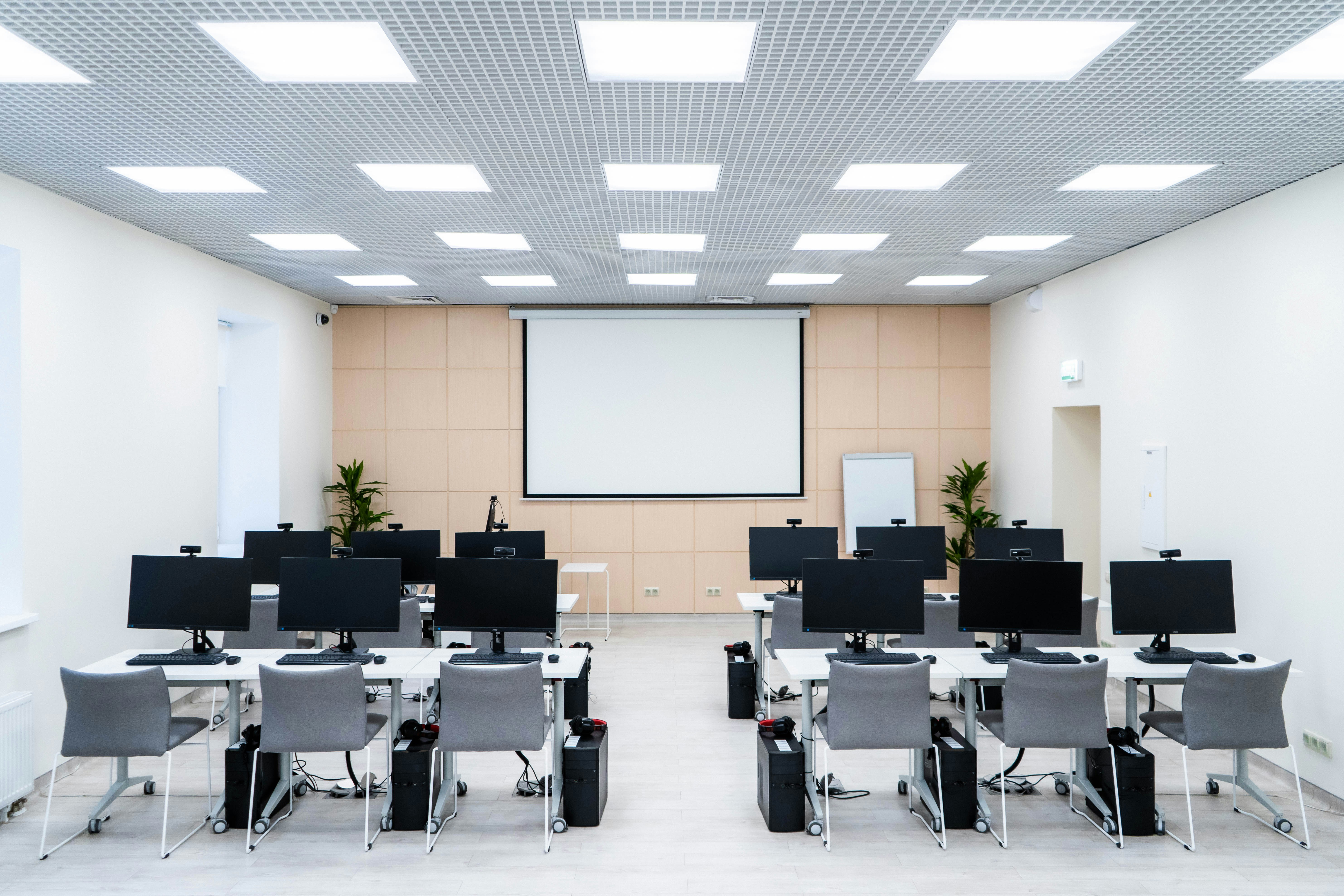
Every session starts with a clear, jargon-free explanation. The trainer then demonstrates on a live screen, and finally students practise the same task individually. Doubts are cleared as they come.
This concept-demo-practice-feedback cycle repeats through every topic, which is what turns knowledge into a real skill.
How our sessions work
Structured practical learning
Live software demonstrations
Trainer demonstrates each concept live on the classroom screen so students see how it works in real software.
Individual computer practice
Every student gets dedicated computer time to practise the topic during class.
Trainer-guided exercises
Structured exercises are done with active trainer guidance, not left as homework only.
Real-world assignments
Assignments are modelled on real office, business or freelance situations.
Mini-projects
Small end-of-module projects to combine everything you have learned so far.
Doubt-solving sessions
Ask questions in class or during practice — doubts are addressed on the spot.
Sample Practical Tasks
Examples of what students actually do
Basic Computer Course
- Create a professional résumé in Word
- Prepare a presentation on a topic of your choice
- Organise files and folders systematically
- Send professional emails with attachments
Tally with GST
- Create a sample company in TallyPrime
- Record sales and purchase transactions with GST
- Create GST-compliant tax invoices
- Generate accounting and inventory reports
Advanced Excel
- Clean a messy real-world dataset
- Build a monthly sales report
- Create PivotTables and PivotCharts
- Design an interactive Excel dashboard
Video Editing
- Edit an Instagram Reel from raw footage
- Create a promotional video for a small business
- Add subtitles, background music and sound effects
- Export content for Instagram, YouTube and WhatsApp
Graphic Designing
- Design a set of Instagram posts and stories
- Create a logo concept from a brief
- Design a business card ready for print
- Create a poster or flyer for a real occasion
Come and see a class in action
Visit the institute, meet the trainers and see how our practical sessions run.